Telemetry Beacons
CSD telemetry operates in two phases. First, instrumentation scripts load from the application origin via standard GET requests — these inject CSD’s monitoring code into the page. The script URL pattern follows the format https://<collection-domain>/__imp_apg__/js/<tenant-script>.js, though the exact path varies by deployment. Once initialized, the scripts periodically send telemetry back to F5 via POST requests known as beacons. These beacons are sent to F5-operated signal collection domains (*.zeronaught.com), not to the application origin.
| Property | Value |
|---|---|
| Script loads | CSD instrumentation scripts loaded via GET requests on the application origin — filter for __imp_apg__ or zeronaught in DevTools to identify them |
| Beacon destinations | POST to F5 signal collection infrastructure (e.g., us.gimp.zeronaught.com, csd.zeronaught.com) |
| Payload format | Encoded binary — not human-readable JSON |
| Frequency | Periodic during page lifetime; additional beacons fire on specific events (form field access, new script load) |
What beacons report
Section titled “What beacons report”CSD beacons carry script behavior metadata, not user input:
- Script inventory — which scripts loaded on the page and from which source domains
- Form field access events — which scripts read or interacted with which input fields (field names and types)
- Page metadata — current URL, timestamps, page lifecycle events
CSD is designed to report script behavior metadata — field names, input types, and access patterns — rather than user-entered form data. The F5 CSD Privacy Statement describes CSD as collecting “information about which assets are accessing various page elements or data structures,” focusing on script behavior rather than user input content.
Observe beacons in DevTools
Section titled “Observe beacons in DevTools”- Open Chrome DevTools (F12) and switch to the Network tab
- Browse the application or interact with form fields to generate traffic
- Type
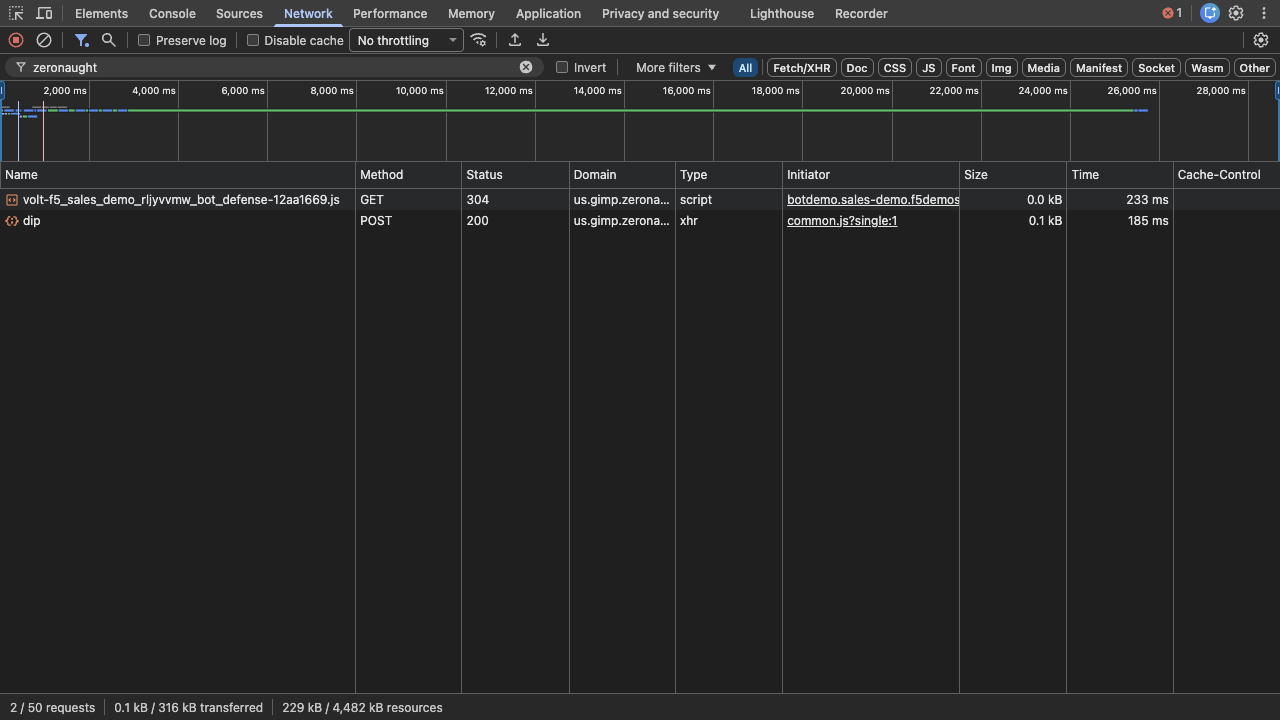
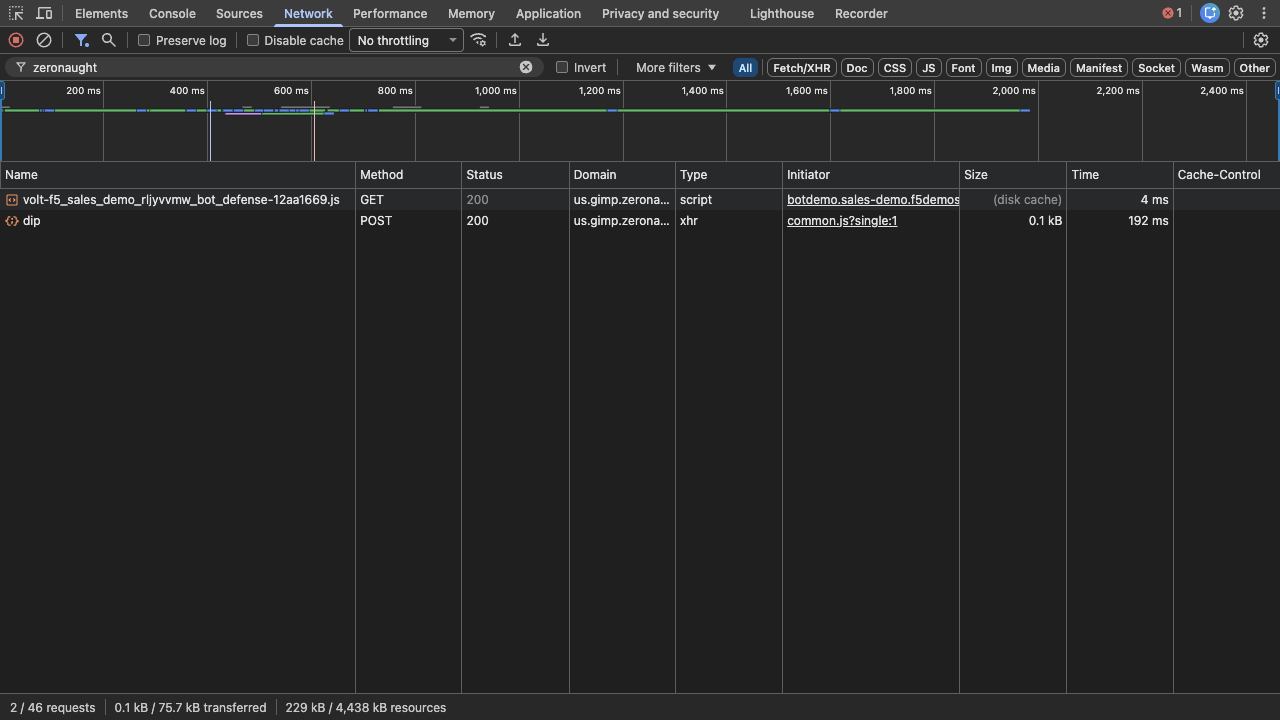
zeronaughtin the filter bar to isolate CSD traffic — you will see the script load (GET) and the telemetry beacons (POST) tous.gimp.zeronaught.com - Look at the Method column:
GETentries are the CSD instrumentation code loading;POSTentries nameddipare the telemetry beacons carrying signal data back to F5 - Click a
dipbeacon to inspect its headers and payload; note that the request body is encoded binary, not human-readable JSON